All posts
Insights

Vikram Das
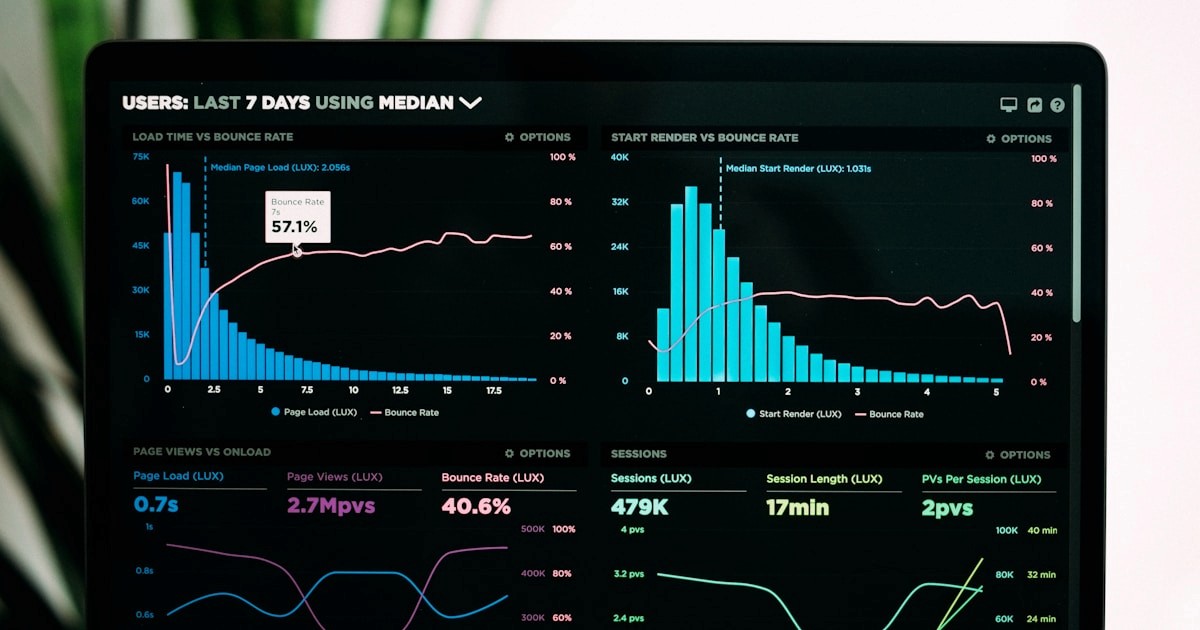
GPU cloud costs are unlike anything else in your infrastructure budget. A single NVIDIA H100 instance on AWS costs over $65/hour — roughly $47,000/month if run continuously. Even mid-tier GPU instances like the A10G-based g5 family run $1-$4/hour per GPU. For organizations scaling AI from experiments to production, GPU spend can quickly become the largest single line item in the cloud bill, often exceeding all other compute costs combined.
The good news: GPU workloads offer some of the highest optimization potential in cloud infrastructure. Because GPU instances are so expensive per hour, even small utilization improvements translate to significant savings. A 20% improvement in GPU utilization on a $30,000/month GPU fleet saves $6,000 monthly — the equivalent of eliminating dozens of underutilized CPU instances.
Understanding GPU Cost Drivers
Before optimizing, you need to understand where GPU money actually goes. For most organizations, GPU spending breaks down into three categories.
Training compute is the most visible cost: GPU hours consumed while training or fine-tuning models. This tends to be bursty and predictable — you know when training jobs will run and roughly how long they'll take.
Inference compute is often the largest ongoing cost: GPU instances serving model predictions in production. This scales with user traffic and is harder to predict.
Development and experimentation includes Jupyter notebooks on GPU instances, hyperparameter searches, model evaluation, and one-off analysis. This is frequently the most wasteful category because development GPUs often sit idle for hours between active use.
Strategy 1: Spot and Preemptible GPU Instances
Spot instances offer 60-80% discounts on GPU compute, and they're more viable for AI workloads than most teams realize.
For training jobs, spot instances are nearly always appropriate if you implement checkpointing. Modern training frameworks like PyTorch and TensorFlow support automatic checkpointing, allowing training to resume from the last saved state if a spot instance is interrupted. The math is compelling: even if a training job gets interrupted and restarted twice, the total cost on spot instances is still dramatically less than running on-demand.
For inference, spot instances require more careful architecture. Deploying inference behind a load balancer with mixed on-demand and spot instances provides cost savings while maintaining availability. If spot capacity is reclaimed, the load balancer routes to on-demand instances automatically.
For development, spot instances are ideal for interactive notebooks. GPU time during development is inherently interruptible — an engineer can wait 30 seconds for a new instance to spin up if the current one is reclaimed.
Strategy 2: Right-Sizing GPU Instances
Not all AI workloads need the most powerful GPUs available. Choosing the right GPU for each workload is one of the highest-impact optimization decisions.
For inference workloads, many models run efficiently on smaller GPUs. A model that was trained on A100s doesn't necessarily need A100s for inference. Often, inference can run on A10G or even T4 instances at a fraction of the cost. The key metric is whether the smaller GPU can meet your latency requirements at the required throughput.
For training, the calculation involves GPU memory capacity (does the model and batch size fit in memory), training throughput (how many samples per second), and multi-GPU scaling efficiency (does adding more GPUs proportionally speed up training). Sometimes two smaller GPUs are more cost-effective than one large GPU, even accounting for the overhead of distributed training.
For fine-tuning, techniques like LoRA and QLoRA allow fine-tuning of large models on much smaller GPUs by only training a fraction of the model's parameters. This can reduce GPU requirements by 4-8x compared to full fine-tuning.
Strategy 3: Model Optimization for Cheaper Inference
Reducing the computational cost of running a model is often more impactful than optimizing the infrastructure it runs on.
Quantization reduces model precision from 32-bit floating point to 16-bit, 8-bit, or even 4-bit representations. This reduces memory requirements and increases inference throughput, often with minimal impact on model quality. An 8-bit quantized model typically runs 2x faster and uses half the GPU memory of its 32-bit equivalent.
Model distillation trains a smaller "student" model to replicate the behavior of a larger "teacher" model. The student model can be 10-100x smaller while retaining 90-95% of the teacher's performance. For inference-heavy workloads, distillation can dramatically reduce GPU costs.
Model pruning removes unnecessary parameters from trained models, reducing their size and computational requirements. Structured pruning can reduce model size by 30-50% with minimal accuracy loss.
Strategy 4: Inference Batching and Queuing
GPU utilization during inference is often poor because requests arrive one at a time, and each request doesn't fully utilize the GPU's parallel processing capabilities. Batching multiple inference requests together dramatically improves GPU utilization.
Dynamic batching collects incoming requests over a short window (typically 5-50ms) and processes them as a batch. This increases throughput by 2-5x with minimal latency impact. For workloads that can tolerate slightly higher latency, larger batch windows yield even better throughput.
For non-real-time workloads (document processing, batch predictions, content generation), queue-based architectures decouple request submission from processing. This allows the GPU to process requests in optimal batch sizes regardless of arrival patterns, maximizing utilization.
Strategy 5: Scheduled GPU Management
Development and staging GPU instances often run 24/7 but are only used during business hours. Implementing scheduled start/stop for non-production GPU instances can save 65-75% on development GPU costs.
A common pattern is to automatically start GPU instances at 8 AM local time and stop them at 8 PM, with an easy override for engineers who need evening or weekend access. At $4/hour for a g5.xlarge, running only during business hours saves roughly $2,000/month per instance.
For training jobs, scheduling during off-peak hours can reduce spot instance costs further, as spot pricing tends to be lower during nights and weekends when demand drops.
Strategy 6: Multi-Tenancy and GPU Sharing
A single GPU is often powerful enough to serve multiple small models simultaneously. GPU sharing technologies like NVIDIA MPS (Multi-Process Service), MIG (Multi-Instance GPU), and time-slicing allow multiple workloads to share a single GPU.
MIG is particularly powerful on A100 and H100 GPUs, allowing a single GPU to be partitioned into up to seven independent instances. A single p4d.24xlarge with 8 A100 GPUs could potentially serve dozens of small models, each with guaranteed compute and memory isolation.
For inference workloads where no single model fully utilizes a GPU, multi-tenancy can reduce GPU costs by 3-5x by consolidating workloads onto fewer instances.
Putting It All Together
The most effective GPU cost optimization combines multiple strategies. A mature AI infrastructure team might run training on spot instances with checkpointing (saving 60-70%), use quantized and distilled models for inference (reducing GPU requirements by 50-75%), implement dynamic batching for inference endpoints (improving utilization by 2-5x), schedule development GPUs for business hours only (saving 65-75%), and share GPUs across small models using MIG or time-slicing (3-5x consolidation).
The combined effect can reduce GPU costs by 70-85% compared to a naive deployment — transforming a $100,000/month GPU bill into a $15,000-$30,000/month bill for the same workloads.
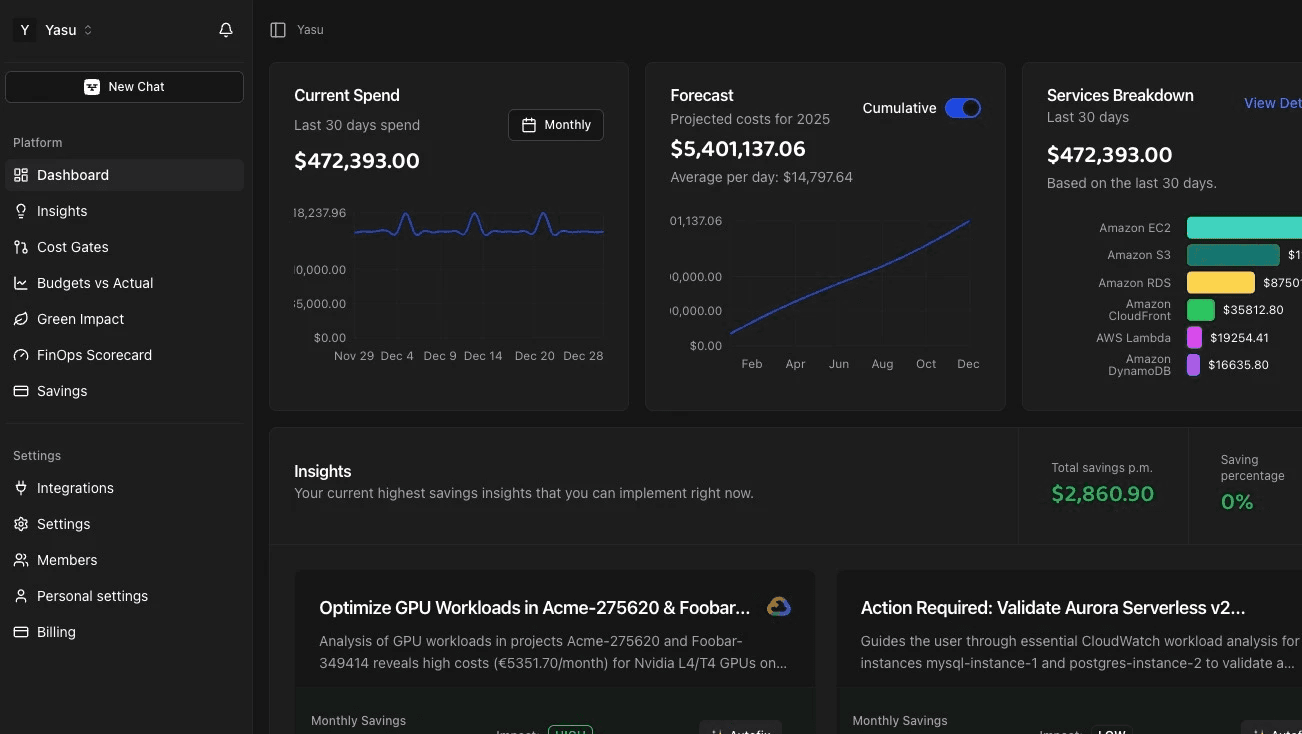
Platforms like Yasu automate many of these optimizations, continuously monitoring GPU utilization, recommending right-sizing opportunities, and managing spot instance strategies. For organizations scaling AI workloads, automated GPU optimization is essential because the cost impact of suboptimal GPU utilization is too large to manage manually.
Frequently Asked Questions
How do I know if my GPU instances are underutilized?
Monitor GPU utilization (not just CPU utilization) using tools like nvidia-smi, DCGM, or cloud provider GPU metrics. If average GPU utilization is below 40%, the instance is likely over-provisioned. Also check GPU memory utilization — an instance might have the right GPU compute but too much GPU memory, suggesting a smaller instance type would work.
Is it worth using spot instances for production inference?
For inference behind a load balancer with fallback to on-demand instances, yes. The architecture adds complexity but the savings are substantial. Many production inference systems run 70-80% of capacity on spot instances with 20-30% on-demand as a baseline, saving 40-50% overall while maintaining availability.
What's the cheapest way to serve a large language model?
Quantize the model (8-bit or 4-bit), use the smallest GPU that fits the quantized model in memory, implement dynamic batching, and use spot instances with on-demand fallback. For very large models, consider managed inference services (like AWS Bedrock or Azure OpenAI) which handle optimization internally and charge per token rather than per GPU hour.
How much does model quantization actually affect quality?
8-bit quantization typically shows less than 1% degradation in benchmark performance. 4-bit quantization may show 2-5% degradation depending on the model and task. For most production use cases, the quality impact of quantization is smaller than the variance between prompt engineering approaches — making it an easy win for cost reduction.
Should I use cloud GPUs or buy my own hardware?
The breakeven point depends on utilization. If you're running GPUs at 80%+ utilization continuously, owned hardware typically pays for itself in 12-18 months. If utilization is variable or below 50%, cloud GPUs with spot instances are usually more cost-effective. Most organizations benefit from a hybrid approach: owned hardware for baseline inference workloads and cloud GPUs for training bursts and overflow capacity.