All posts
Insights

Vikram Das

Every CTO planning an AI strategy builds a cost model. And almost every cost model is wrong — usually by 2-5x. Not because the GPU instance pricing is hard to look up, but because the visible compute costs are just the tip of the iceberg. The hidden costs of running AI in the cloud include data pipeline infrastructure, model storage and versioning, inference endpoint scaling, vector database operations, and the human overhead of managing it all.
Understanding the true cost of AI in the cloud isn't about discouraging adoption. It's about building realistic budgets that won't trigger emergency cost-cutting three months into your AI initiative.
The Visible Costs: What Everyone Budgets For
When teams estimate AI cloud costs, they typically account for GPU instance hours for training (the big number everyone focuses on), inference endpoint compute for serving predictions, and basic storage for model artifacts. These are real costs, and they're significant. A single NVIDIA A100 GPU instance on AWS (p4d.24xlarge) runs about $32/hour. Training a medium-complexity model for 100 hours costs $3,200 in compute alone. Inference costs scale with traffic — a model serving 1 million requests per day on GPU instances can easily cost $5,000-$15,000 monthly.
But these visible costs typically represent only 40-60% of total AI cloud spending.
The Hidden Costs: What Actually Breaks Budgets
Data Pipeline Infrastructure
AI models are only as good as their training data, and getting data into the right format for training is expensive. The data pipeline for a typical AI project includes ingestion services pulling data from production databases, APIs, and event streams, transformation jobs cleaning, normalizing, and feature-engineering raw data, storage for multiple versions of processed datasets (which can be terabytes), and orchestration platforms like Airflow or Step Functions managing the pipeline.
These data pipelines often run on their own compute infrastructure, use significant storage for intermediate datasets, and generate substantial data transfer costs. For many AI projects, the data pipeline costs more than the training itself.
Model Storage and Versioning
A single large language model checkpoint can be 10-50GB. During active development, teams might generate dozens of checkpoints per experiment, across multiple experiments per week. Even at cloud storage prices, storing hundreds of model versions adds up quickly.
More importantly, teams rarely clean up old model versions. Six months into an AI initiative, you might have terabytes of model artifacts from experiments that are no longer relevant, all stored in S3 or equivalent at standard storage rates because nobody set up lifecycle policies for ML artifacts.
Vector Database Operations
RAG (Retrieval-Augmented Generation) architectures have become the default pattern for enterprise AI applications. These require vector databases that store embeddings and serve similarity searches at low latency. Vector database costs include compute for the database cluster itself, storage for embeddings (which can be surprisingly large at high dimensions), query costs that scale with traffic, and embedding generation costs (every document and query needs to be converted to vectors).
A production RAG system serving 100,000 queries per day with a million-document corpus can easily cost $2,000-$5,000 monthly just for the vector database layer — a cost that rarely appears in initial AI budget estimates.
Inference Endpoint Scaling Challenges
GPU instances don't scale like CPU instances. You can't add fractional GPU capacity — you either have a GPU or you don't. This creates a step-function cost curve where you might pay for a full GPU instance even when traffic only justifies 20% utilization.
Worse, GPU instance availability is constrained. During peak demand, you might not be able to get the specific GPU instance type you need, forcing you to either over-provision (keeping instances warm just in case) or use more expensive instance types as fallbacks.
Many teams end up running inference on CPU instances for cost reasons, which trades GPU costs for higher latency and more instances — a trade-off that should be analyzed carefully but often isn't.
Networking and Data Transfer
AI workloads are data-hungry, and data movement costs money. Training data flowing from storage to GPU instances, model artifacts moving between regions for multi-region deployment, API responses carrying generated text or images back to users — these data transfer costs are often invisible until they show up in the bill.
For organizations running AI workloads across regions or clouds, egress charges can add 10-20% to total AI infrastructure costs.
Development and Experimentation Overhead
Every successful AI model in production is backed by dozens of failed experiments. Each experiment consumes compute, storage, and engineering time. Jupyter notebooks running on GPU instances that sit idle overnight, experiment tracking platforms storing metrics from every training run, and A/B testing infrastructure comparing model versions — these development costs are real but rarely budgeted.
Building a Realistic AI Cost Model
To avoid budget surprises, build your AI cost model across these categories. For training costs, calculate not just the GPU hours for your final model, but the total GPU hours across all experiments including failed ones (typically 5-10x the final training cost). For inference costs, model the full range from minimum traffic to peak, accounting for GPU utilization inefficiency at low traffic volumes. For data pipeline costs, estimate the compute and storage required for data ingestion, transformation, and feature engineering. For storage costs, budget for training datasets (multiple versions), model artifacts (many checkpoints per experiment), vector embeddings, and experiment logs. For networking costs, map data flows between storage, compute, and end users, including cross-region and cross-cloud transfers. And for operational overhead, account for monitoring, logging, and the infrastructure required to manage the AI lifecycle.
Optimizing AI Cloud Costs
Once you understand the true cost picture, optimization opportunities become clear.
For training, use spot or preemptible instances with checkpointing. Training jobs that can resume from checkpoints can safely run on spot instances, saving 60-80% on GPU compute. Implement experiment tracking early so you can identify and kill unpromising experiments before they consume full training budgets.
For inference, explore model optimization techniques like quantization, distillation, and pruning that reduce model size and inference cost. Consider serverless inference options that scale to zero when traffic is low. Batch inference requests where real-time response isn't required.
For storage, implement lifecycle policies for model artifacts from day one. Move old experiment data to archive storage. Use model registries that track which versions are actually deployed versus which are historical.
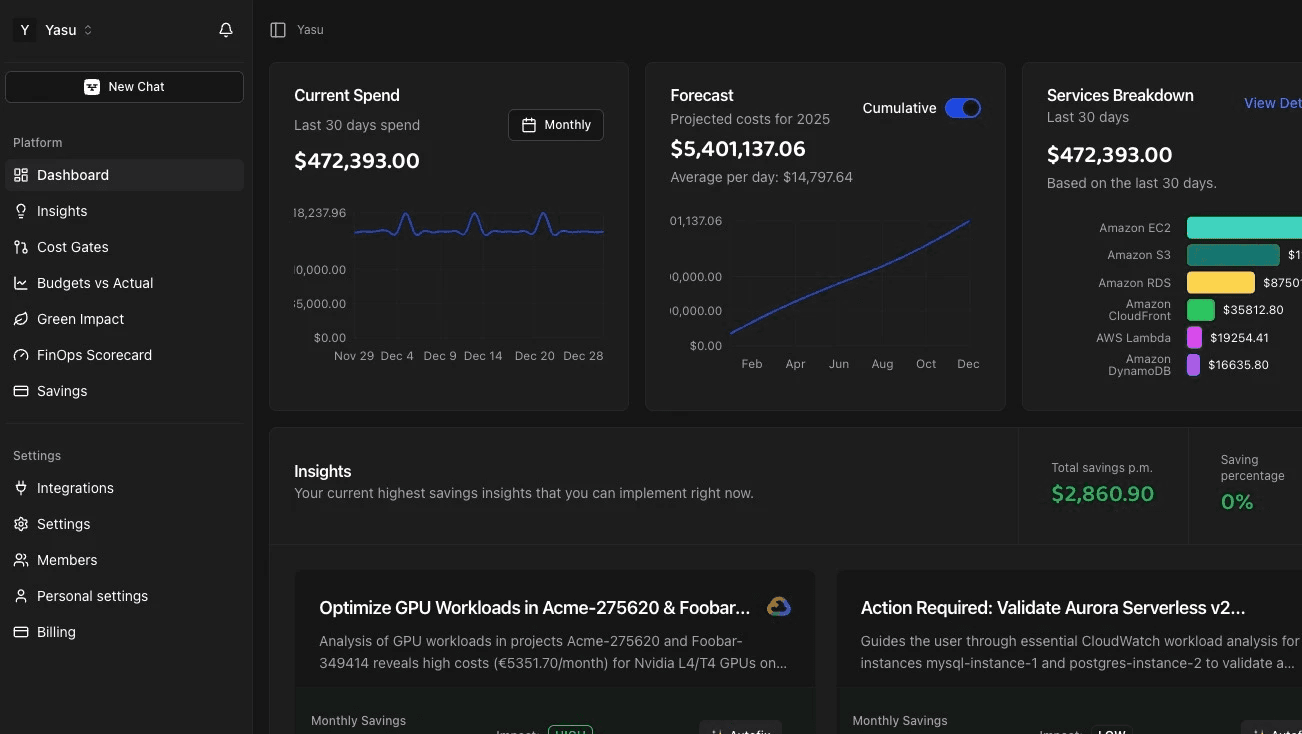
For the overall AI stack, platforms like Yasu can monitor the full AI infrastructure cost picture, identifying idle GPU instances, over-provisioned inference endpoints, and forgotten experiment resources that accumulate cost silently. AI-powered optimization is particularly valuable for AI workloads because the cost patterns are complex and change rapidly.
The Cost of Not Optimizing
Organizations that don't actively manage AI cloud costs typically see AI infrastructure spending grow 3-5x faster than they projected. This often triggers a crisis response: emergency cost cuts that reduce model quality, limits on experimentation that slow AI innovation, or wholesale abandonment of AI initiatives that were actually delivering value but appeared too expensive because of hidden waste.
Proactive cost management avoids this cycle. By understanding and optimizing the full cost picture from the start, you can invest confidently in AI knowing your budget projections are realistic.
Frequently Asked Questions
What percentage of AI cloud costs are typically hidden?
For most organizations, 40-60% of total AI cloud costs come from sources other than direct GPU compute. Data pipelines, storage, vector databases, networking, and development infrastructure collectively often exceed the visible training and inference costs.
Are cloud GPUs always the most cost-effective option for AI workloads?
Not necessarily. For consistent, high-volume inference workloads, dedicated hardware or cloud AI accelerators (like AWS Inferentia or Google TPUs) can be significantly cheaper than general-purpose GPU instances. For training, the answer depends on your scale — small to medium training jobs are usually most cost-effective on cloud GPUs, while very large training runs might justify dedicated infrastructure.
How do I forecast AI cloud costs when usage is unpredictable?
Start with a baseline cost model that includes all hidden costs, then layer in traffic scenarios (low, expected, high). Use auto-scaling with spend limits rather than fixed provisioning. Review actual versus forecast costs weekly during the first few months and adjust your model. AI cost forecasting platforms can help by analyzing usage patterns and projecting future spend.
Should I use managed AI services or build my own infrastructure?
Managed services (like AWS SageMaker, Azure ML, or Vertex AI) trade higher per-unit costs for reduced operational overhead. For teams without dedicated ML infrastructure engineers, managed services usually provide better total cost of ownership. For large-scale AI operations with dedicated platform teams, custom infrastructure on raw compute instances can be 30-50% cheaper.
What's the first thing I should do to reduce AI cloud costs?
Audit your GPU instance utilization. Most organizations have GPU instances running at less than 30% utilization, either because they're over-provisioned for inference or because training jobs don't use the full GPU capacity. Rightsizing GPU instances and implementing scheduled shutdown for development GPU instances typically delivers the fastest savings.